

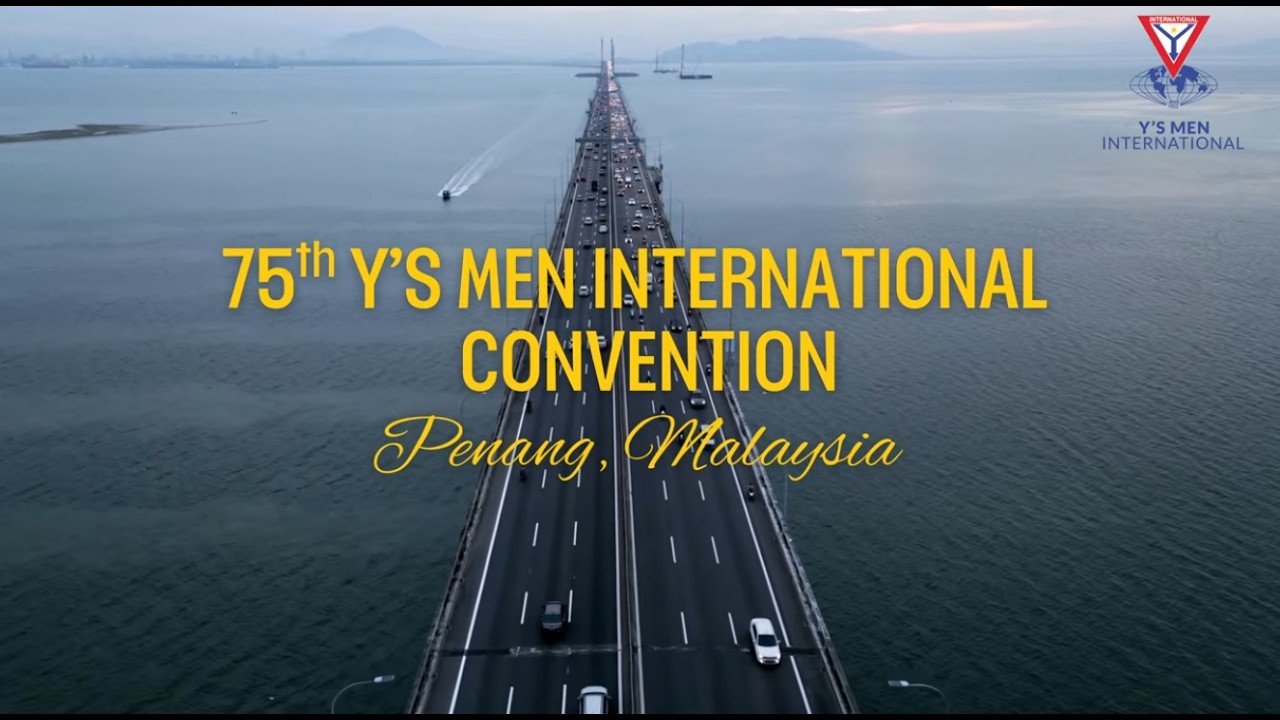
 " class="wp-post-image" alt="2026 International Convention" title="2026 International Convention">
 " class="wp-post-image" alt="International President" title="International President">
 " class="wp-post-image" alt="Archives" title="Archives">

Rev. Dr. Johan Vilhelm Eltvik, International President 2026/27, presents his vision for the year under the theme “Waking the Sleeping Giant with Blue Music.” The vision calls YMI to awaken its clubs and club members through fellowship, service, compassion and the power of goodness in action.
 " class="wp-post-image" alt="100 Days Membership Campaign" title="100 Days Membership Campaign">
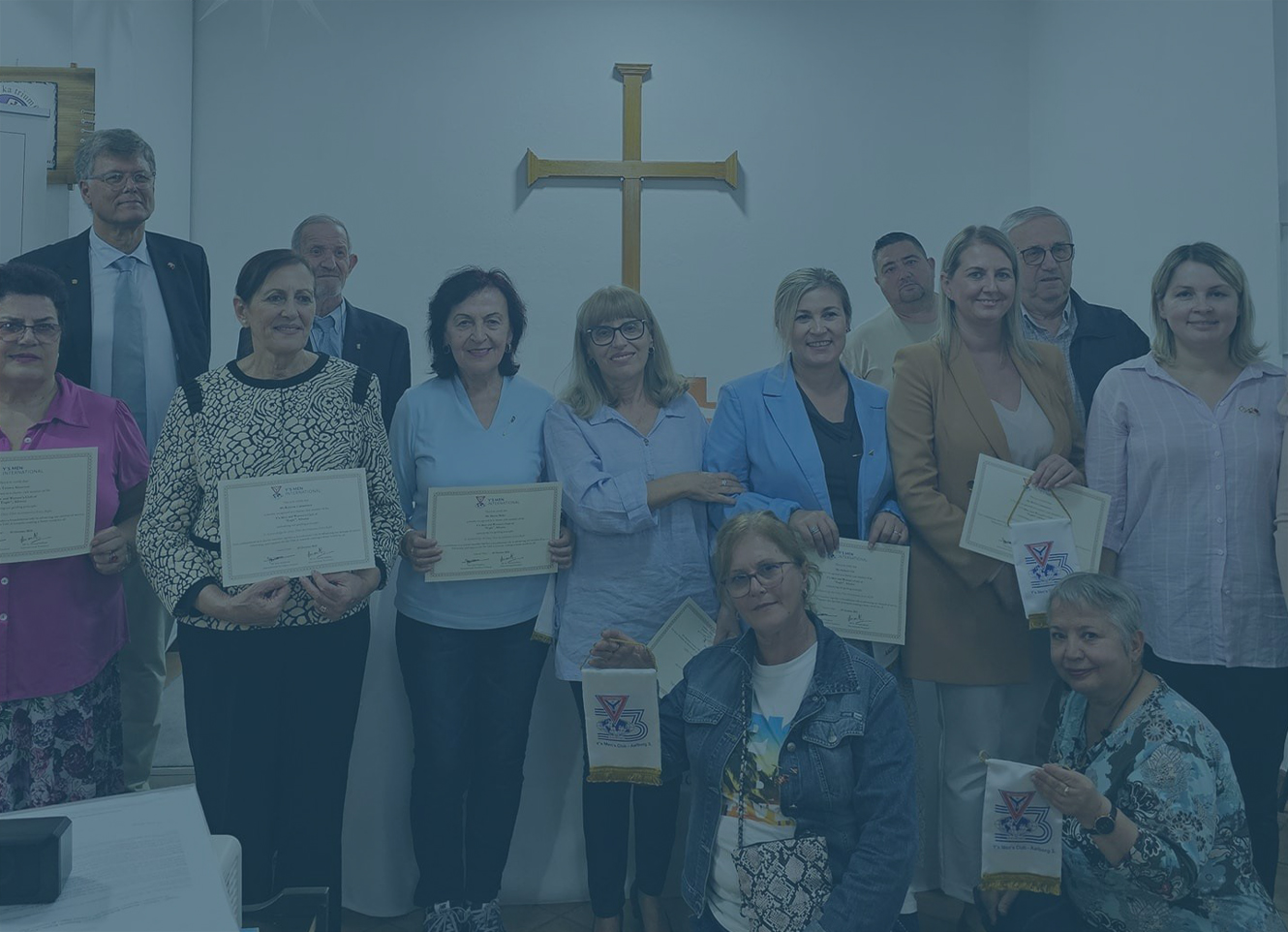
100 Days Membership Campaign
The 100 Day Membership Campaign aims to reach 3,000 new club members annually from 1 September to 9 December.
 " class="wp-post-image" alt="Alexander Support Fund" title="Alexander Support Fund">
 " class="wp-post-image" alt="Endowment Fund (old)" title="Endowment Fund (old)">
 " class="wp-post-image" alt="Building Fellowship" title="Building Fellowship">